No lessons today due to the snowy weather.
Keep practicing!
Those using Piano Maestro may find a new assignment for today đ

The PUMC Sanctuary Choir (including MrsO!) and Orchestra provided a Christmas Cantata during traditional worship service on December 18 at 9:00.
The music included: Bethlehem Christmas Sanctus Joy Has Dawned Tell Out My Soul (SopranoâLaura Connors; Baritone-Brian Stevenson) I Saw Three Ships And selections by the Orchestra.
The Cantata was live-streamed and individual pieces will be posted soon..
Theyâve listened to your amazing feedback and have added your most requested songs, squashed tons of bugs and added iOS 17 compatibility.
You asked, and they listened and added a sparkling collection of most requested songs in 2023 for your students to enjoy âBarbie Girlâ from the new âBarbie movie, âCircle of Lifeâ from âThe Lion Kingâ, âHe’s a Pirateâ from âPirates of the Caribbeanâ and âRainbow Connectionâ from âThe Muppet Movieâ.
Available in 3 versions, all new songs can be found in the âTop 2023 Requestsâ section in the song library.
It will be fun watching your child improve their piano skills all while having fun using Piano Maestro in lessons each week!
As your childâs teacher (or YOUR teacher!), Iâm looking forward to seeing the progress they will make when they start using it at home each day. This guide will help you understand how this app will benefit your child and how to get it set up on your own iPad.
Overview
What is Piano Maestro?
Piano Maestro is the ultimate piano practice tool that will have students quickly playing their favorite classical, pop, rock, TV and video game songs and themes. It is available in the App Store and works on the iPad.
What skills does it improve?
⢠Note reading
⢠Sight reading
⢠Rhythm
⢠Inner pulse
⢠Confidence
What makes it so fun?
⢠Upbeat background tracks
⢠Stunning graphics
⢠Instant rewards and feedback
⢠Satisfaction of playing REAL music
It works with an acoustic piano?
Yes! Your child practices on your real acoustic or digital piano. Piano Maestro listens from the iPadâs built-in microphone. No wires needed.
Iâm already paying for lessons. What value does this add?
Sometimes I wish I could be there with your child to encourage them to keep practicing daily. Iâm sure itâs not always easy, as unforeseen challenges will arise.
Since our time each week is just too short, this app will give me eyes on the ground and it will keep them practicing longer and improving more quickly.
How will it be used in lessons?
I will spend a few minutes of each lesson helping your child master a couple of new songs all while having fun! I will also teach them how to use the practice options at home.
At the end of the lesson, we will choose Home Challenge assignments within the app that will show up in your account at home. Iâll get updates when progress is made.
Getting Started
Wow, this sounds awesome. Now, how do I get started?
1) Download Piano Maestro on your iPad from the AppStore
2) Create a JoyTunes account with a parentâs email, under which, you can have multiple profiles for each member of the family.
3) Create a profile for each family member (that means you too Mom and Dad!) inside the Parent/Teacher zone (top right-hand corner of the main screen)
4) Connect to your teacher, me! After creating a profile in the âprofilesâ tab of the parent/teacher zone, select the studentâs profile and click âconnect to teacher.â Once I approve the connection to your child, they will receive full access to all content for FREE! I will then also begin receiving weekly progress reports.
5) Start Playing â I will now start assigning you homework, meanwhile, get started on Journey Mode.
When you connect to the O’Connor Music Studio, Piano Maestro is free for as long as you study here.

Exciting news!
We are thrilled to announce that the O’Connor Music Studio is now listed on SchoolAndCollegeListings, a leading online directory for educational institutions.
Visit our listing at https://www.schoolandcollegelistings.com/US/Fairfax/135944356445618/O%27Connor-Music-Studio to explore our comprehensive music education programs, music news, and student success stories.
Discover why we’re the perfect choice for providing quality music education to students young and old.
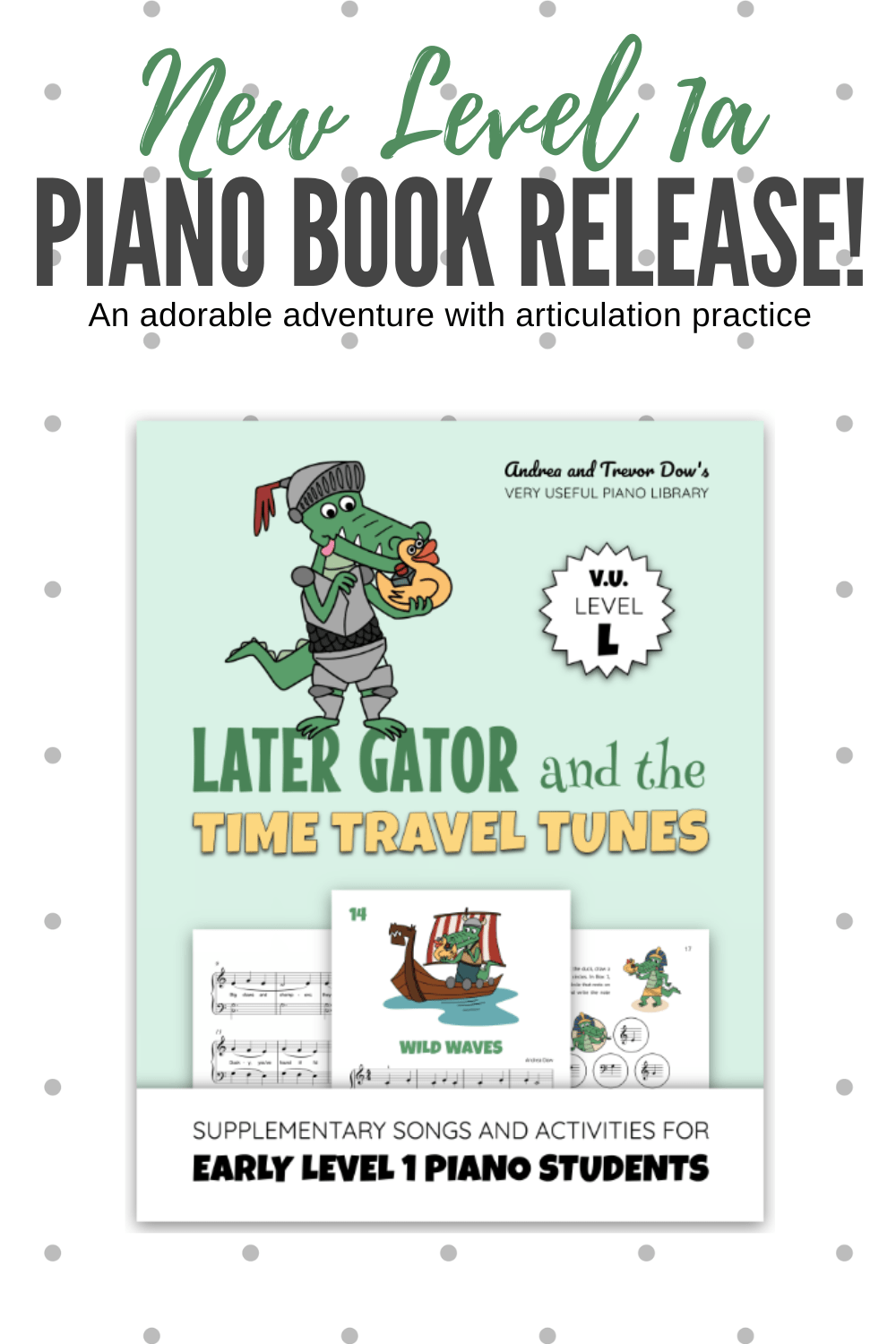
Composed for mid-primer piano students, Who Slobbered On My Songbook? is packed with piano pieces and activities that reinforce playing in the C 5-finger scales.
This laugh-out-loud resource follows the hilarious adventures of a homework-hungry dog who has been framed for chewy crime he didnât commit.
Inside you will discover 7 piano solos, a teacher-student duet, warm-up exercises, note reading games, sight-reading and rhythm activities, a practice tracker, and a certificate.
If you want to check it out, the Studio has a couple copies. As always, students who would benefit from this book will get a free copy.

A new reward system for fall.
These collectible cards will excite and motivate your beginning students. Your student will get one when they complete a task or accomplish a goal in their musical journey! Each level has fifty-four achievement cards. There are enough for the whole year.
Bravo Badges are designed to be eye-catching. Your students will love showing off their collection.
When the next levels become available, intermediate students will be able to collect these, as well.