The O’Connor Music Studio has a copy of this app if you (or your student) would like to try it during a lesson.
I see great potential with this app and think it could be useful for you at home.
It’s a fun game that can be used with a piano, the iPad or it can be hooked up to an electric keyboard.
Piano Maestro is free for all OCMS students to use on their own iPads at home. Your student’s piano lesson books are most likely included to help the student learn the pieces – accompanied by a full backing track!
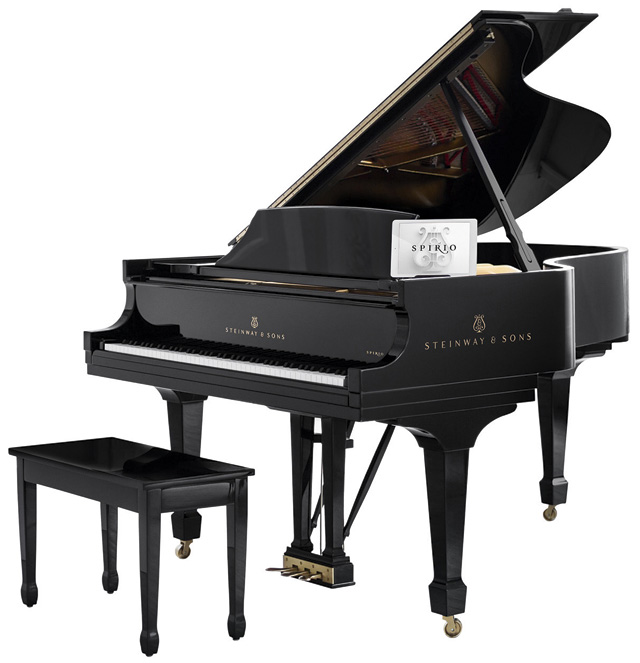
Renowned piano manufacturer Steinway has launched a self-playing piano. Programmed via its own iPad and linked up to play more than 1,700 different pieces of music, the Spirio high-resolution system will be offered exclusively on select Steinway grands. Able to replicate the virtuosity of the most talented of pianists, this player piano is bound to impress unsuspecting dinner guests. Spirio Model O, £77,150 (020 7487 3391, http://www.steinway.co.uk)
THE BLACK AND white keys move so fast it’s hard to tell if Jenny Lin is even touching them. Lin, a classical pianist known for virtuosic speed, is sitting at a grand piano in Steinway’s New York offices, as the rest of the room listens intently, focused on the keyboard.
No, she’s definitely not touching the keys. Not this time. Minutes earlier, Lin played a hyper-speed arrangement of George Gershwin’s “I’ve Got Rhythm.” The same song is playing now, except this time Lin hands are on her lap. It’s uncanny, really: The exact same keys are pressed, the exact same trills are heard, the same dynamics are present. It’s a little magical—or “almost scary” as Lin puts it—as though you’re witnessing a prodigious ghost mimic her every move.
It’s not a ghost, of course. It’s technology. Which, considering Steinway’s old-school legacy, is nearly as unlikely an explanation as a poltergeist. Lin is demonstrating the Spirio, Steinway’s newest and first self-playing piano.
When you buy a Spirio—not you, necessarily; they run upwards of $110,000—it comes with an iPad loaded with a Spotify-like app. This app communicates with the piano via Bluetooth, prompting the piano to play any one of the 1,700 songs recorded specifically for the instrument. New songs will sync every week. By itself, an iPad-controlled piano is nifty, if not exactly a technological marvel. What makes Spirio different is that it can play songs with an unprecedented level of accuracy and nuance.
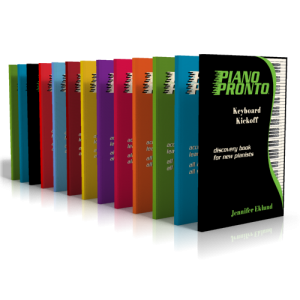
Some of you have noticed that I am switching your students (or yourself!) over to Piano Pronto and may have wondered why.
It was one of the first “method book series” to be integrated into Piano Maestro, so some of the songs have already been worked on using this iPad app.
I am in a Facebook group with the author/composer and many other participants have said that once their students have started in Piano Pronto, the students “forget” the other books at home or in the music bag.
So, a simple experiment was started here and the same thing happened. Only the Piano Pronto book (Keyboard Kickoff) came out of the bag.
Then, another student got hooked, and another…
Even the young boys seem to love the duets, which are excellent at helping with counting and listening to other musicians.
A minor point but one that makes life easier for the teacher. All books are $10.00 (plus shipping) Other method books have varying prices in hard to find locations, some hidden in codes on the back.
Piano Pronto books can be ordered online at https://www.pianopronto.com/ and they are available at our local Music and Arts store in Oakton. If something is needed fast, digital copies are available to print (or add to the iPad)
If you would like to look through any of the books, just ask!
From the composer, Jennifer Eklund, on Facebook:
Let me give you my fast 5 “things that makes us different from everyone else”:
#1 – On the staff reading day one (I take what I call a “total immersion” approach to note-reading/learning – watch the webinar for the full scoop)
#2 – Aurally pleasing music from very early on. I challenge you to find better and/or more consistently solid arranging in another method series. I don’t wait 2 years to introduce 8th notes. The tunes used in the series are strong and familiar and therefore we can get to more of the fundamentals earlier in the lesson process. Students practice with confidence at home because they recognize the melodies and therefore progress faster.
#3 – All-in-one integrated books (i.e. there aren’t 4 separate books per level the most you ever need is the method and maybe one supplement book)
#4 – The material is age and gender neutral. Clean layout with no illustrations to distract.
#5 – We start teaching how to *effectively* practice from the get-go with our “Pronto Prep” sections that pull out the difficult portions of pieces *before* a student learns the piece.
Other less important stuff:
#6 – The supplements are rooted in my “pop/jazz” background so while the method books are very “classically-based” the supplements are full of pop-style stuff that really creates well-rounded students
#7 – I challenge you to find more varied/interesting teacher duet parts.
#8 – I’m actively writing/creating new items constantly. I really listen to my customers and am writing to suit the needs of the market. If you need something and I don’t have it odds are I’ll probably end up filling your request.
#9 – I stay out of your way as a teacher. The material is extremely flexible. I wanted to give you a solid curriculum that is paced thoughtfully and you can augment the series with all the tools available in your toolbox. You will not feel restricted in any way by the material.
#10 – You can SEE and HEAR everything before you buy. There is NO guesswork involved with shopping with Piano Pronto.
It will be fun watching your child improve their piano skills all while having fun using Piano Maestro in lessons each week!
As your child’s teacher (or YOUR teacher!), I’m looking forward to seeing the progress they will make when they start using it at home each day. This guide will help you understand how this app will benefit your child and how to get it set up on your own iPad.
Overview What is Piano Maestro?
Piano Maestro is the ultimate piano practice tool that will have students quickly playing their favorite classical, pop, rock, TV and video game songs and themes. It is available in the App Store and works on the iPad.
What skills does it improve?
• Note reading
• Sight reading
• Rhythm
• Inner pulse
• Confidence
What makes it so fun?
• Upbeat background tracks
• Stunning graphics
• Instant rewards and feed back
• Satisfaction of playing REAL music
It works with an acoustic piano?
Yes! Your child practices on your real acoustic or digital piano. Piano Maestro listens from the iPad’s built in microphone. No wires needed.
I’m already paying for lessons and books. What value does this add?
Sometimes I wish I could be there with your child to encourage them to keep practicing daily. I’m sure it’s not always easy, as unforeseen challenges will arise.
Since our time each week is just too short, this app will give me eyes on the ground and it will keep them practicing longer and improving more quickly.
How will it be used in lessons?
I will spend a few minutes of each lesson helping your child master a couple of new songs all while having fun! I will also teach them how to use the practice options at home.
At the end of the lesson, we will choose Home Challenge assignments within the app that will show up in your account at home. I’ll get updates when progress is made.
Getting Started
Wow, this sounds awesome. Now, how do I get started?
1) Download Piano Maestro on your iPad from the AppStore
2) Create a JoyTunes account with a parent’s email, under which, you can have multiple profiles for each member of the family.
3) Create a profile for each family member (that means you too Mom and Dad!) inside the Parent/Teacher zone (top right hand corner of main screen)
4) Connect to your teacher, me! After creating a profile in the “profiles” tab of the parent/teacher zone, select the student’s profile and click “connect to teacher.” Once I approve connection to your child, they will receive full access to all content for FREE! I will then also begin receiving weekly progress reports.
5) Start Playing – I will now start assigning you homework, meanwhile get started on Journey Mode.
There is one change in the video below – when you connect to the O’Connor Music Studio, Piano Maestro is free forever.
Yuval Kaminka was faced with a difficult choice. The Israeli entrepreneur had built a successful music learning app called JoyTunes, and he found that it was particularly beloved by professional music teachers. In the span of months, “we saw a vibrant community of teachers revolving around the apps,” he says. All the metrics were growing: retention, engagement, number of student profiles per teacher, and so on. “All these figures really blew up. We saw it was really making a difference.”
The accounts teachers were setting up for students–who use the app to gamify music learning–comprised a very significant part of JoyTunes’s revenue. Every time a teacher set up an account, either for themselves or their students, they paid either $10 a month or $60 per year. Power users wound up paying as much as $1,000 a month. Kaminka says that about 40% of his profits came from music teachers.
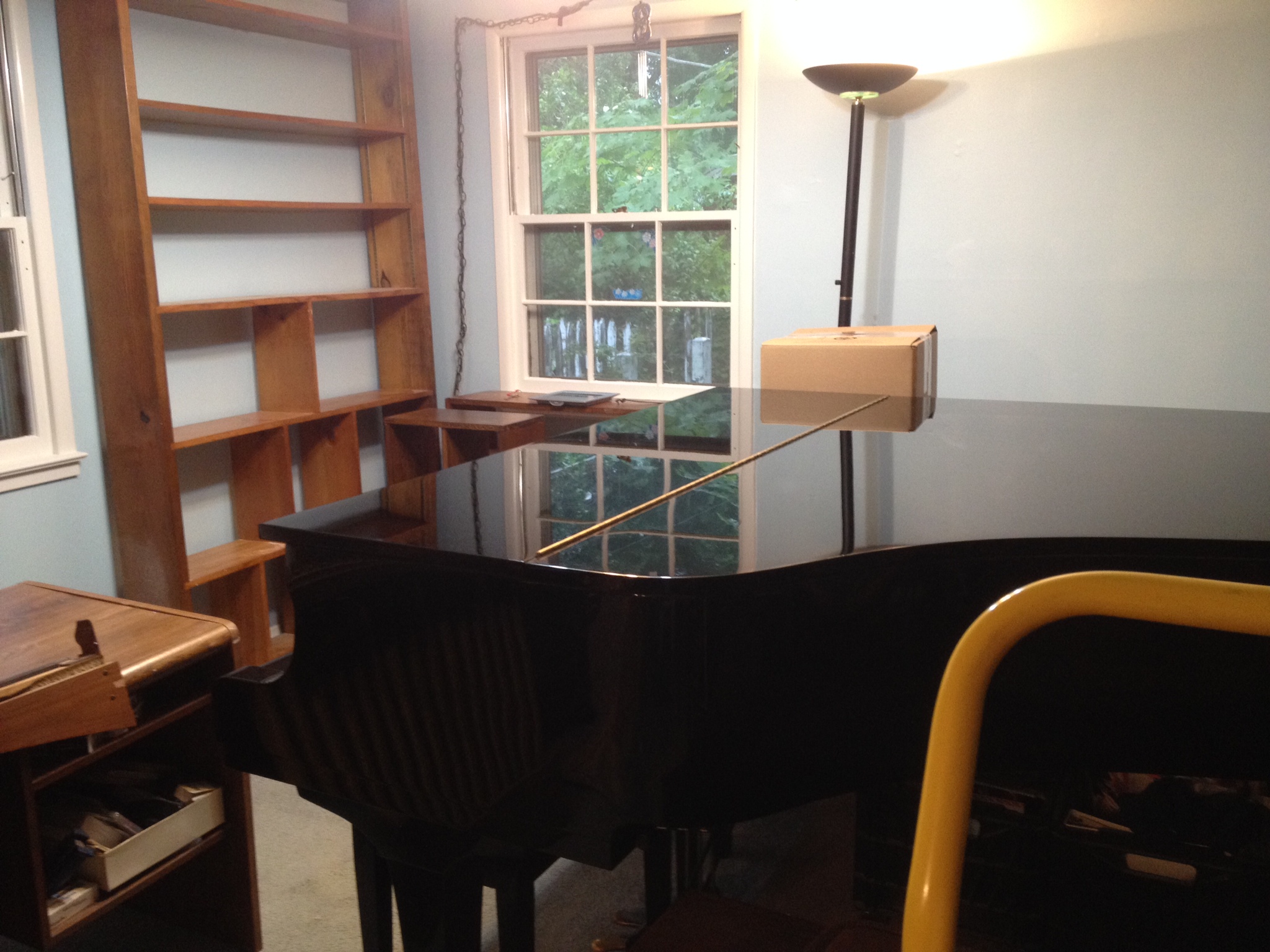
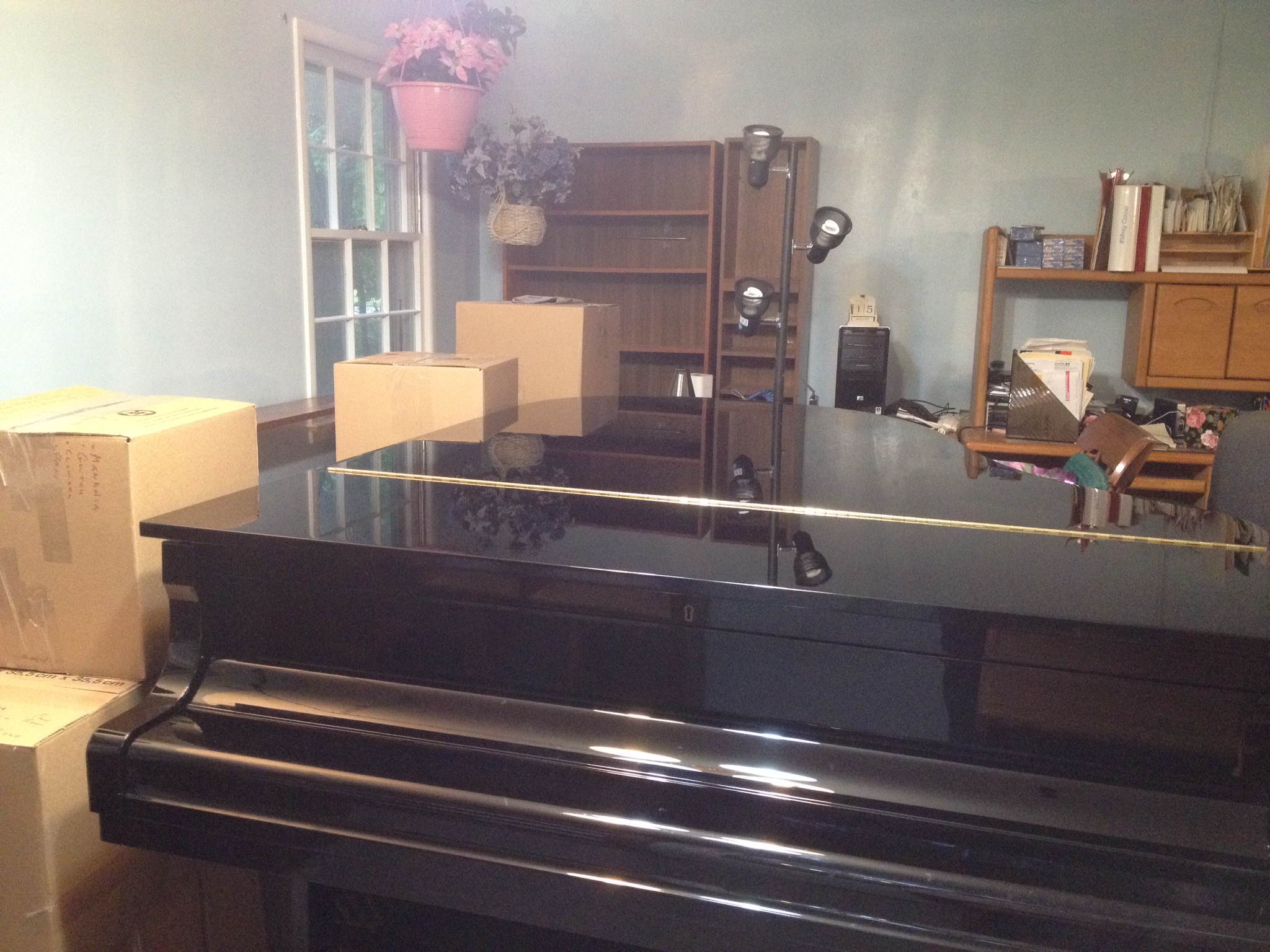
Now, it’s time to start putting the furniture back where it goes, although I think I’m leaving the piano more in the center of the room for now. It shows the piano off better and I’ll have a place to put the digital keyboard against the wall and closer to the piano.
After a lot of thought, the organs will stay in their respective places next to each other but the music for them will be moving nearer to them.
Then putting all the other books away. I have an iPad app which is a database that adds items by taking pictures of their barcodes. Hopefully, this will help organize some of my books.
It won’t be done by Monday but it will be done enough for teaching purposes!




 MaryO'Studio