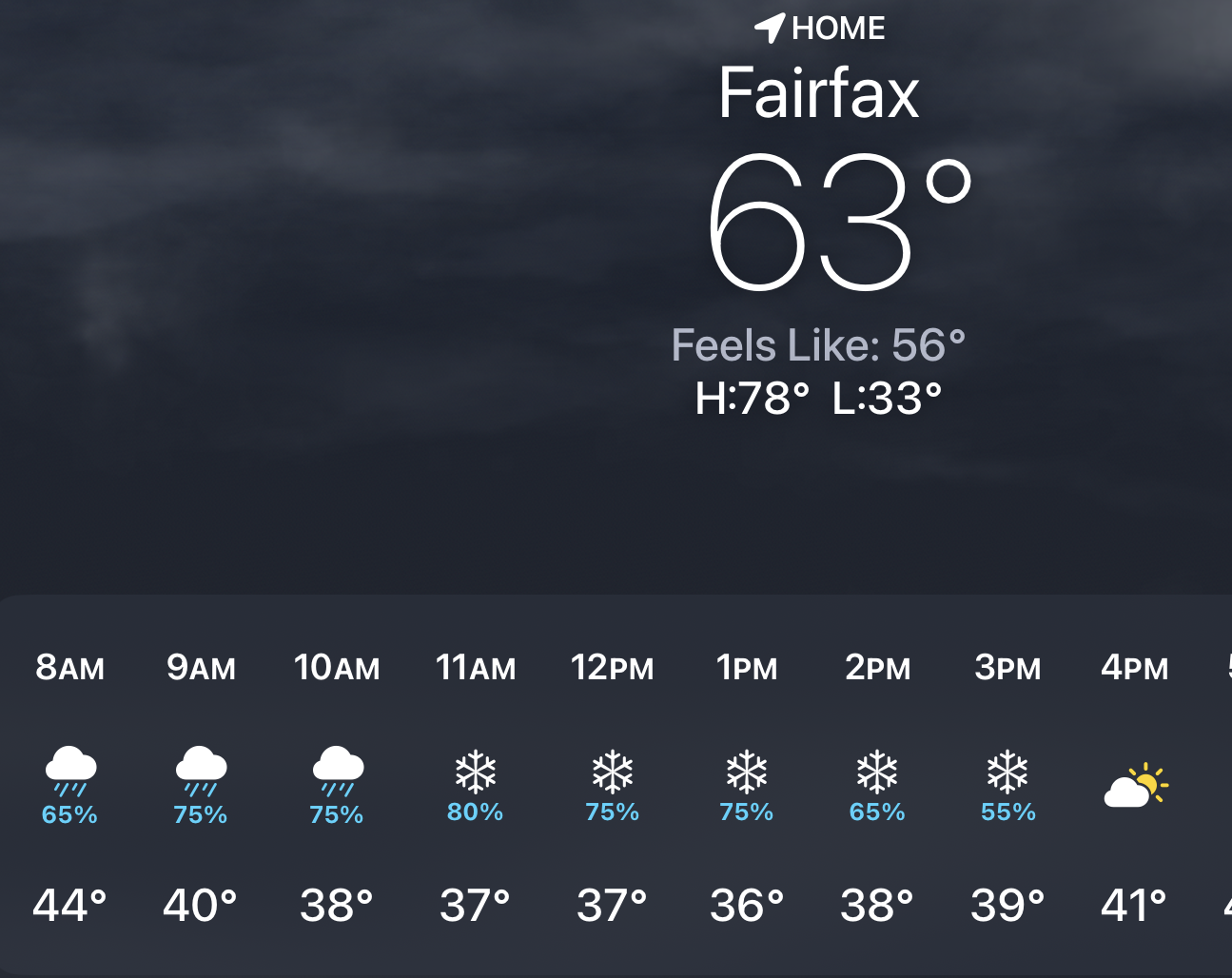
Will Today be a Snow Day for the Schools?


It will be fun watching your child improve their piano skills all while having fun using Piano Maestro in lessons each week!
As your child’s teacher (or YOUR teacher!), I’m looking forward to seeing the progress they will make when they start using it at home each day. This guide will help you understand how this app will benefit your child and how to get it set up on your own iPad.
Overview
What is Piano Maestro?
Piano Maestro is the ultimate piano practice tool that will have students quickly playing their favorite classical, pop, rock, TV and video game songs and themes. It is available in the App Store and works on the iPad.
What skills does it improve?
• Note reading
• Sight reading
• Rhythm
• Inner pulse
• Confidence
What makes it so fun?
• Upbeat background tracks
• Stunning graphics
• Instant rewards and feedback
• Satisfaction of playing REAL music
It works with an acoustic piano?
Yes! Your child practices on your real acoustic or digital piano. Piano Maestro listens from the iPad’s built-in microphone. No wires needed.
I’m already paying for lessons. What value does this add?
Sometimes I wish I could be there with your child to encourage them to keep practicing daily. I’m sure it’s not always easy, as unforeseen challenges will arise.
Since our time each week is just too short, this app will give me eyes on the ground and it will keep them practicing longer and improving more quickly.
How will it be used in lessons?
I will spend a few minutes of each lesson helping your child master a couple of new songs all while having fun! I will also teach them how to use the practice options at home.
At the end of the lesson, we will choose Home Challenge assignments within the app that will show up in your account at home. I’ll get updates when progress is made.
Getting Started
Wow, this sounds awesome. Now, how do I get started?
1) Download Piano Maestro on your iPad from the AppStore
2) Create a JoyTunes account with a parent’s email, under which, you can have multiple profiles for each member of the family.
3) Create a profile for each family member (that means you too Mom and Dad!) inside the Parent/Teacher zone (top right-hand corner of the main screen)
4) Connect to your teacher, me! After creating a profile in the “profiles” tab of the parent/teacher zone, select the student’s profile and click “connect to teacher.” Once I approve the connection to your child, they will receive full access to all content for FREE! I will then also begin receiving weekly progress reports.
5) Start Playing – I will now start assigning you homework, meanwhile, get started on Journey Mode.
When you connect to the O’Connor Music Studio, Piano Maestro is free for as long as you study here.
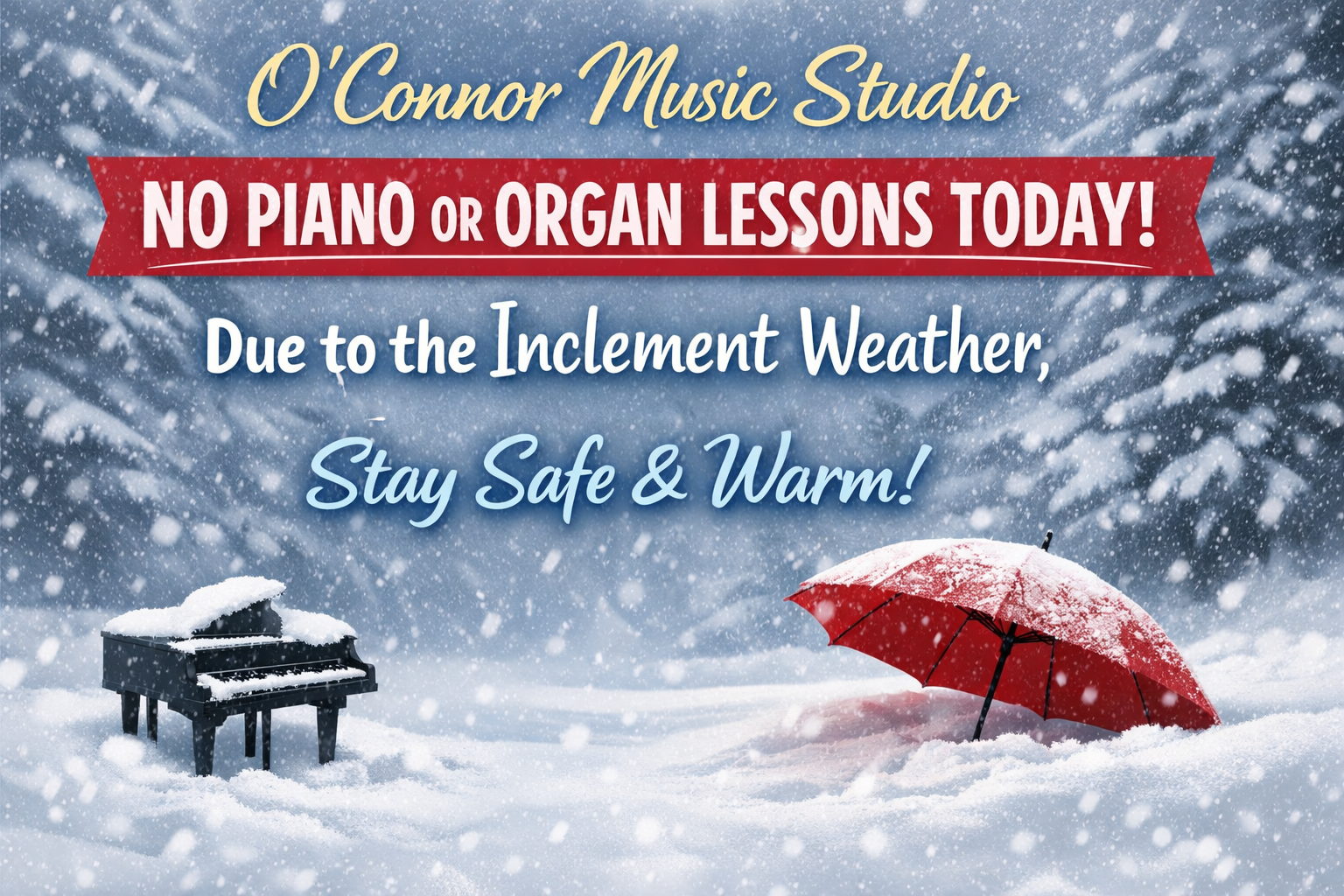
Fairfax County has closed school today so…no lessons today due to the snowy weather.
Keep practicing!
Those using Piano Maestro may find a new assignment for today 🙂

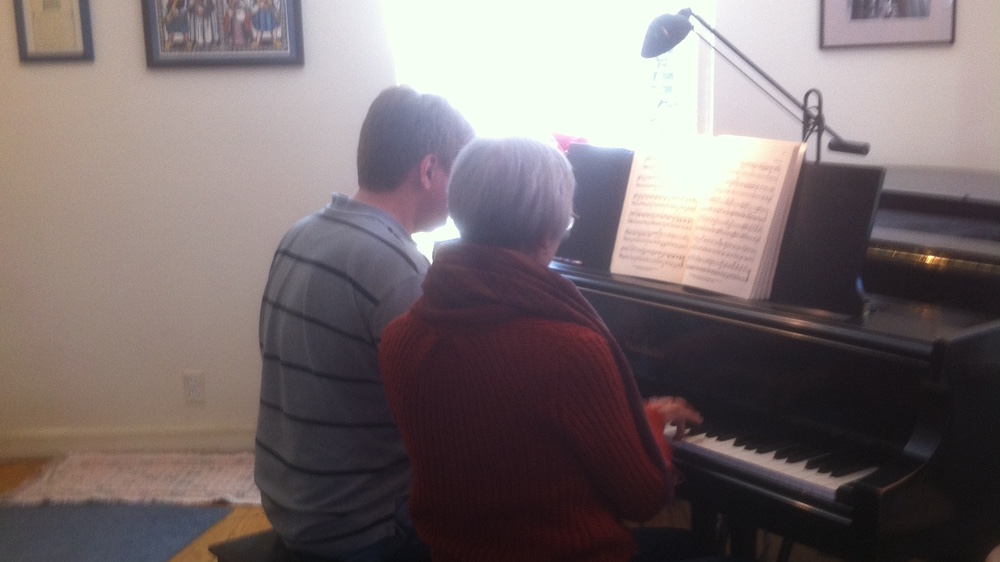
When Paula Fay started taking piano lessons for the first time in her late fifties, it fulfilled a lifelong dream.
“I always wanted to learn how to play as a child, but my parents couldn’t afford it,” she said.
Today, four years later, Paula can play some of her favorite tunes. And she’s loving every minute of it.
Some adults may groan at childhood memories of lesson after lesson, practice after practice and a lot of teacher nagging, but many wish those days were back.
And more and more, these adults are turning wishful thinking into reality. According to the National Piano Foundation, adults ages 25-55 are the fastest-growing segment of people learning piano.
When Ruth Ann Laye started teaching an adult piano class at Mandarin’s Keyboard Connection, there was only one weekday class. Now, she’s up to seven classes. And of her own private practice of 28, 11 are adults.
One of her students is Belinda May from St. Augustine, who is in her 60s and in her second year of piano lessons.
Though her brothers played piano, she was more athletically inclined than musical. Then after years of “picking” at the pianos in her house, she recently resolved to start taking lessons. A beginner when she started, “now I’m playing Christmas carols,” she said.
“It tells me that you’re never too old to learn something new.”
Maureen Rhodes, a piano teacher on the Southside, would likely agree. She has more adults in her practice than she did 20 years ago.
“I think baby boomers are looking for ways to stay active,” she said. “Sometimes, kids come to me for lessons and then when they grow up and leave, their mother starts to take lessons,” says Rhodes. “Other adults have a specific goal in mind, like they want to play in church or accompany their grandson.”
Sandra Stewart, outgoing president of the Jacksonville Music Teachers Association and adjunct professor teaching a non-degree adult piano course at Florida State College, believes technology is a big part of the reason for the greater interest in piano among adults.
“Keyboards are more affordable, and that’s made all the difference,” she says.
But the piano is not always a succession of high notes for the adult student. Says Stewart: “Adults can have problems with finger dexterity. If they never played before, this can be frustrating. People who use computer a lot have an advantage. But if they don’t have this experience, they have to get over that hurdle.”
And some adults expect to transform into Mozart overnight.
“They may be symphony patrons or just love classical music and want to play instantly and do it like the pros,” Rhodes says. “But they have to develop the skills first, and it takes a lot of patience.”
But for adults committed to learning, it can be very satisfying for student and teacher alike.
“Adults are there for their own pleasure,” said Marc Hebda, president of the Florida State Music Teachers Association. “They have wonderful enthusiasm; it’s fun to see them get excited. It’s also interesting that with the economic downturn, they are not cutting back on lessons or buying instruments. Piano is a constant source of entertainment and personal development.”
The key to any student learning well, whether that student is an adult or child, is finding the right teacher. Hebda stresses the importance of taking lessons from a teacher with a music degree.
“Some people who took piano figure it’s easy to teach. But credentials are very important. You wouldn’t go to a doctor without certification or a lawyer who didn’t pass the bar. All our teachers have a music degree or demonstrate teaching ability.”
Hebda also notes that rapport between teacher and student is important.
“The student should interview the teacher, because not all students and teachers are a good match.”
For those who want to fast-track the learning process, there are alternatives. “The Piano Guy,” Scott Houston, has been teaching piano using a non-traditional method through his shows on public station WJCT.
“It seemed like there was a single path to the world of piano: this long process of taking lessons,” he said. “But people want to play the tunes they know.”
So Houston came up with a simple way for adults to learn quickly, based on the concept behind “lead sheets,” which are used by professional musicians. Houston’s technique is to teach adults a single line of notes on the treble clef with their right hand and chords with their left.
“My goal is not to teach adults to be the greatest players but to be able to play the tunes they want to play,” Houston says.
His approach has clearly struck a chord, as his book has sold 300,000 copies and he has taught many adults through his workshops in Indiana and master class “piano camp” from his beach home in Fort Myers.
There’s also a new trend gaining traction called “recreational music making” — RMM — which like Houston’s approach focuses on a simplified method to teaching music. The goal is not for a student to become accomplished at the piano and perform, but rather to just have fun making music. It is often taught to adults in group settings, such as music stores, churches and senior centers.
“Research has found that RMM is very helpful for seniors, promotes hand/eye coordination and keeps the brain working,” said Erin Bennett, assistant professor of piano and pedagogy at the University of North Florida. “Its asset is the ability to reach more people; it’s more inclusive and easier for the non-experienced.”
Whether learning piano through traditional or nontraditional means, its many benefits include boosting self-confidence.
“When I first started, I didn’t think I could do it,” Fay said. “And my friends and family were in disbelief that I was taking lessons. Then they wanted to hear a concert. In another year, I might just do it.”
She gets some measure of satisfaction in surprising those around her.
“Society puts restrictions on us as we get older that we stop learning,” she says. “But we are wiser, more patience and accept our limitations.”
Read more at Jacksonville.com: http://jacksonville.com/entertainment/music/2011-10-27/story/piano-lessons-not-just-kids#ixzz1l14hSFaV
Fairfax County has closed school today so…no lessons today due to the snowy weather.
Keep practicing!
Those using Piano Maestro may find a new assignment for today 🙂
Fairfax County has closed school today so…no lessons today due to the snowy weather.
Keep practicing!
Those using Piano Maestro may find a new assignment for today 🙂

Fairfax County has closed school today so…no lessons today due to the snowy weather.
Keep practicing!
Those using Piano Maestro may find a new assignment for today 🙂
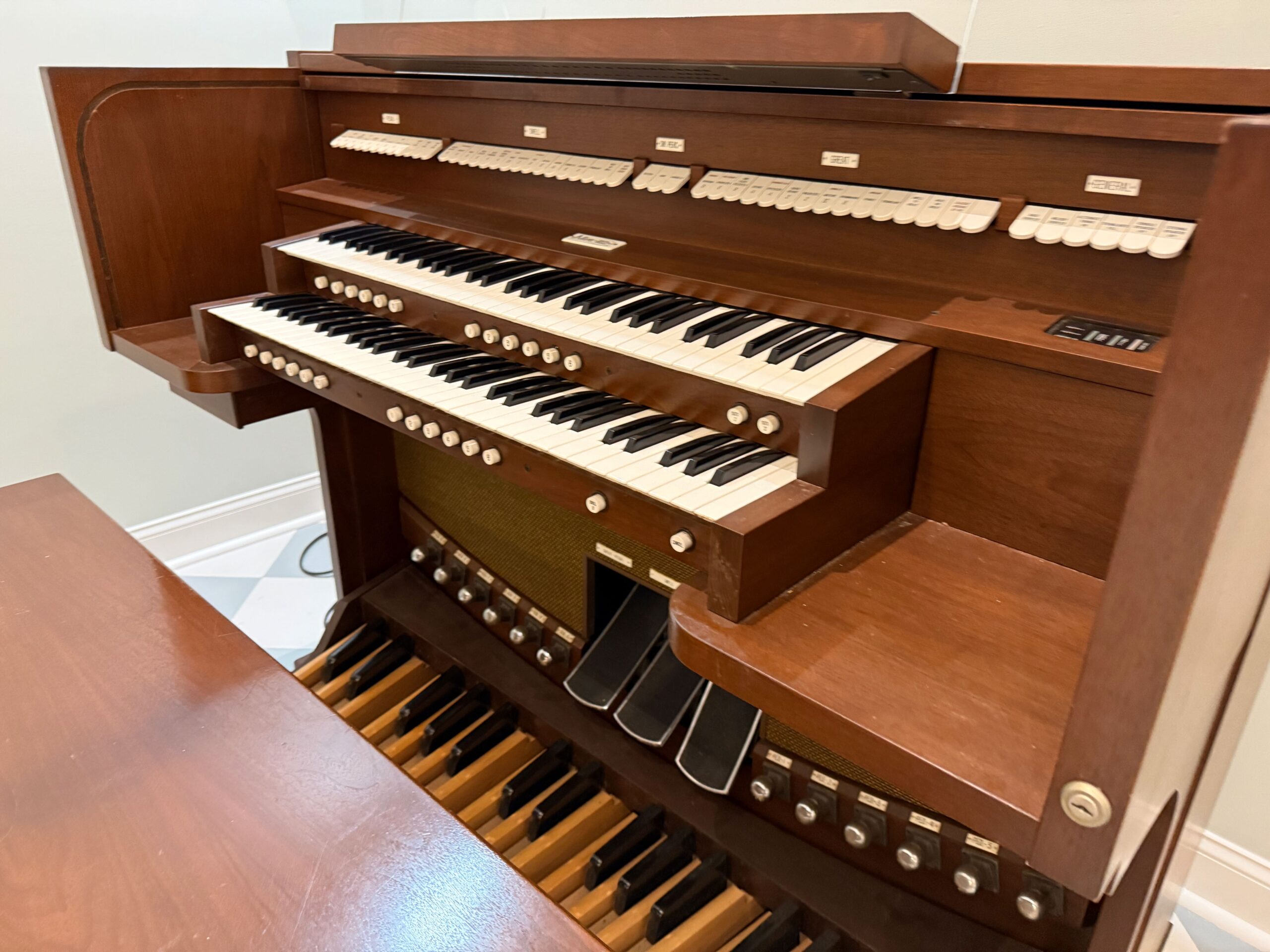
January 22, this new beauty will replace the two older organs that I have now.
This Allen MDS-16 model is a two channel, internal speaker instrument. A perfect organ for a home or small church or chapel setting.
Great
8′ Diapason
8′ Rohrflote
8′ Flute Celeste II(Sw)
4′ Octave
4′ Spitzflote
2′ Super Octave
2′ Waldflote
Mixture IV
8′ Krummhorn
Chimes
Swell to Great
Swell
16′ Lieblich Gedackt
8′ Gedackt
8′ Viola
8′ Viola Celeste
4′ Spitz Prinzipal
4′ Koppel Flote
2 2/3′ Nasat
2′ Blockflote
1 3/5′ Terz
16′ Basson
8′ Trompette
4′ Clarion
Pedal
16′ Diapason
16′ Bourdon
16′ Lieblich Gedeckt (Sw)
8′ Octave
8′ Gedackt Flote
4′ Choral Bass
Mixture IV
16′ Posaune (SW)
8′ Trompete
Swell to Pedal
Great to Pedal
MIDI to Pedal
The larger organ that it’s replacing is a Yamaha that my aunt owned. I bought that from her estate and had it shipped to me from Maine.
The smaller organ is a Hammond, owned by my mom, that came with her when she moved in with us.
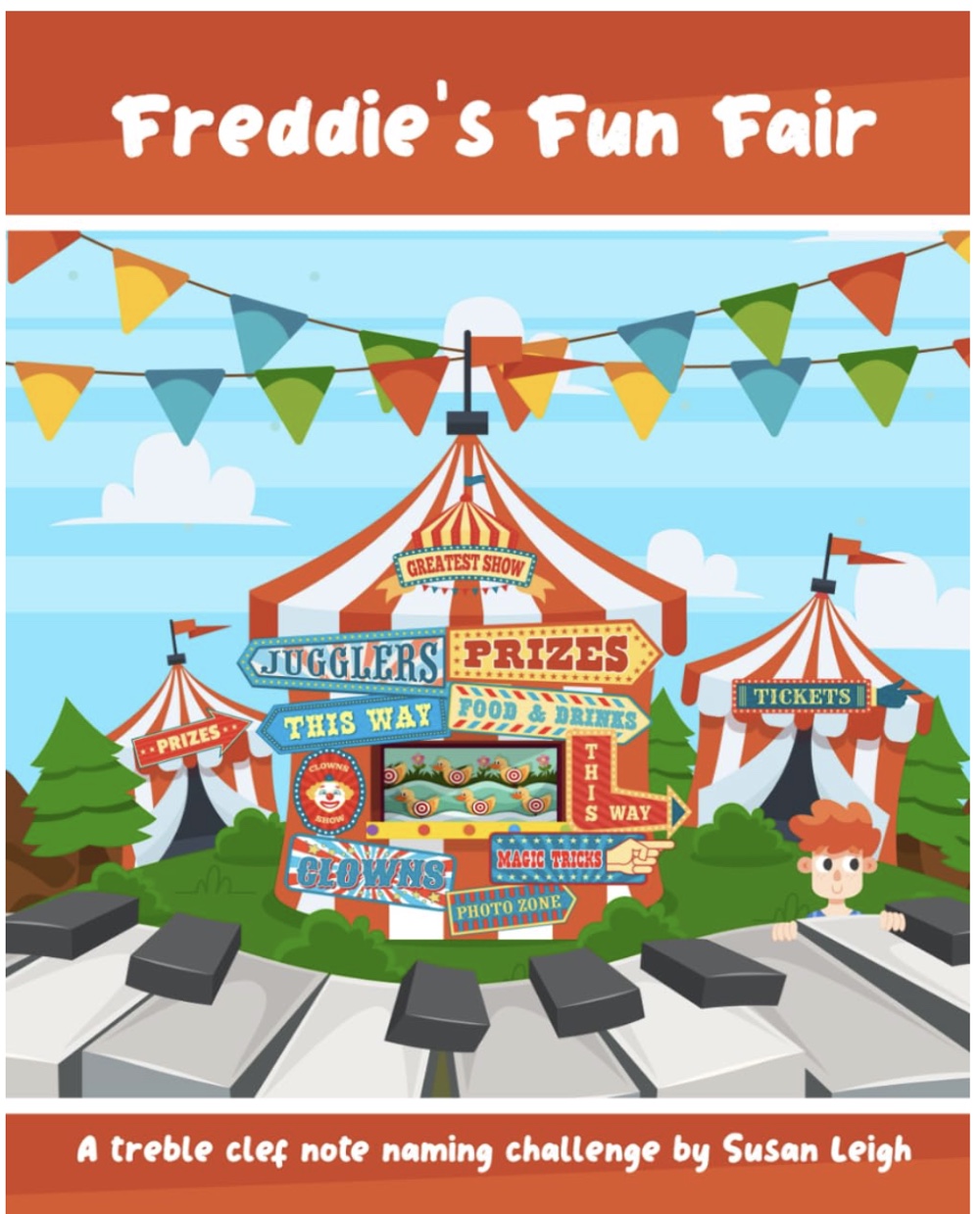
Susan Leigh’s other books have been a huge hit with students and I’m sure this one will be, too. It was just published and I’ve ordered it to arrive in time for students returning after winter break.
Freddie invites you to a treble clef challenge at the fun fair! Can you beat him in events like ‘Tin Can Alley’, ‘Hook a Duck’, ‘Balloon Darts’ and more? Improve your note reading and aim for the gold medal!
The note range includes all the lines and spaces of the treble clef stave, making it ideal for instrumentalists who play the piano, flute, saxophone and more.
Puzzles include traditional fairground games like the Coconut Shy, Bumper Cars, Hoopla, Toy Grabber, Skittles and Test Your Strength. There are match ups, scrambles, mazes, and also games against the clock like Tabletop Giraffe Racing, Splash the Shark and Whack-a-monster.
Students compete against Freddie in all events until the overall winner is crowned. There are two certificates to compete for; but who will win gold or silver and become the ultimate champion of both the treble clef and the fairground?!
I have to admit that I’m kind of a piano bench hoarder. I save them from every piano and electric keyboard I’ve ever owned.
I was playing the grand piano the other day and noticed that the music rack was further away than it used to be. I don’t think that the piano grew any so I must have shrunk.
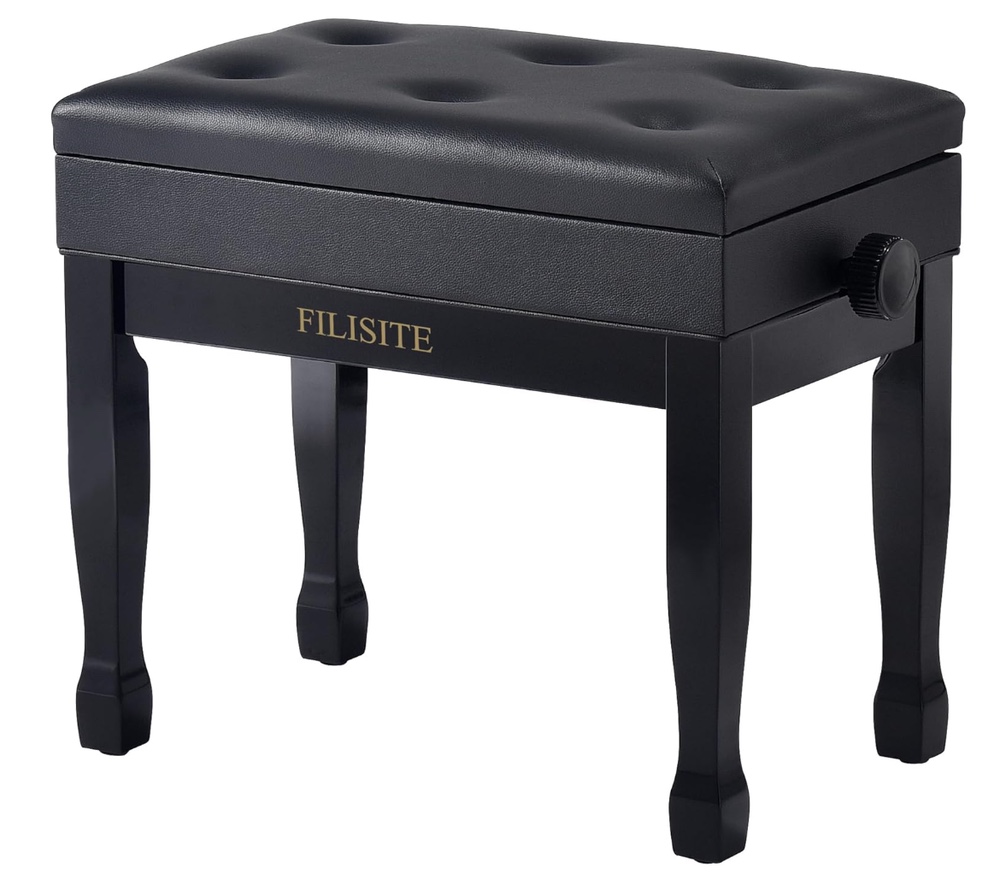
I have an adjustable piano bench but it’s brown from an old baby grand I once had. It’s also for only one person to play solo so I bought a new adjustable duet bench in black.
I was surprised to see that amazon has a lot of piano benches for sale. I don’t know why I was surprised since they seem to have everything else.
I chose this one since the reviews were good and the price seemed reasonable:
Hopefully, it is truly easy to assemble and we can get the legs installed before students return from winter break!
 MaryO'Studio