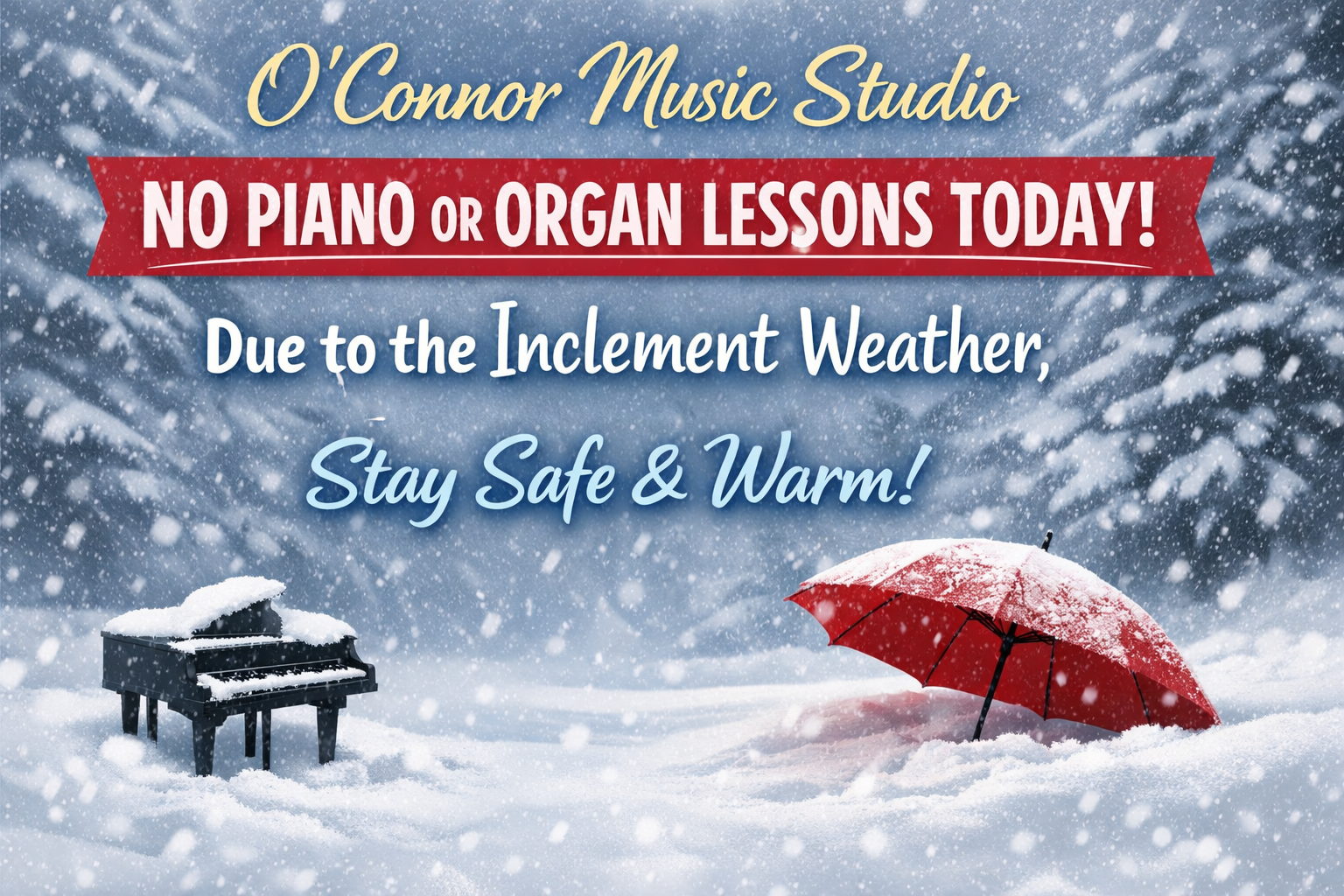
Fairfax County has closed school today so…no lessons today due to the snowy weather.
Keep practicing!
Those using Piano Maestro may find a new assignment for today 🙂


Fairfax County has closed school today so…no lessons today due to the snowy weather.
Keep practicing!
Those using Piano Maestro may find a new assignment for today 🙂

Fairfax County has closed school today so…no lessons today due to the snowy weather.
Keep practicing!
Those using Piano Maestro may find a new assignment for today 🙂

• 1874 ~ Charles Ives, American composer
More information on Ives
• 1890 ~ Ferdinand “Jelly Roll” Morton, jazz pianist/composer
• 1913 ~ Grandpa (Louis Marshall) Jones, Country Music Hall of Famer, Grand Ole Opry, singer
• 1914 ~ Fayard Nicholas, American tap dancer, one-half of The Nicholas Brothers and actor (The Five Heartbeats)
• 1923 ~ Robert Craft, American conductor and writer
• 1935 ~ Jerry Orbach, American singer and actor for the musical theater
• 1937 ~ Wanda Jackson, Singer, songwriter
• 1939 ~ Jay Siegel, Singer with The Tokens
• 1939 ~ All the Things You Are was recorded by the Tommy Dorsey Orchestra on the Victor label. Jack Leonard was the featured vocalist.
• 1945 ~ Ric Lee, Drummer with Ten Years After
• 1950 ~ Tom Petty, Singer with The Traveling Wilburys
• 1951 ~ Al Greenwood, Keyboards with Foreigner
• 1955 ~ “Day-O. Day-ay-ay-ay-o!” One of the most popular of the Harry Belafonte hits was recorded for RCA Victor. Day-O didn’t make it to the pop charts for over a year, until January of 1957, after its name had been changed to The Banana Boat Song (Day-O).
• 1958 ~ Mark King, Bass, singer with Level 42
• 1958 ~ Ivo Pogorelić, Croatian pianist (1978 Casagrande winner)
• 1962 ~ With Halloween just around the corner, we remember that Bobby “Boris” Picket and the Crypt Kickers reached the top of the charts this day (for two weeks) with The Monster Mash. And someone, somewhere, has resurrected it every Halloween since.
This piece is now in Piano Maestro in the Halloween section and there is sheet music, if you are interested.
• 1962 ~ The musical, Mr. President, written by Irving Berlin, opened on Broadway. Mr. President ran for 265 performances.
• 1965 ~ The Beatles received a gold record for the single, Yesterday. This song marked the first time a cello was used in a pop hit.
• 2000 ~ Li Yundi, an 18-year-old virtuoso from China, has won Poland’s Frederic Chopin piano competition, becoming one of the youngest players to capture the prestigious international prize. Read the whole story
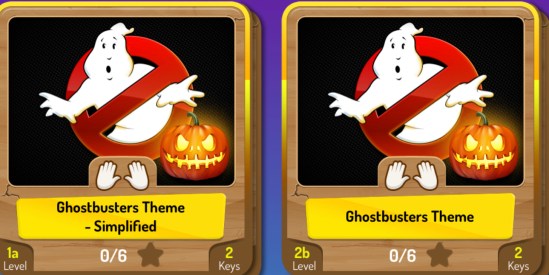
Another student favorite, Ghostbusters, has 2 versions in Piano Maestro.
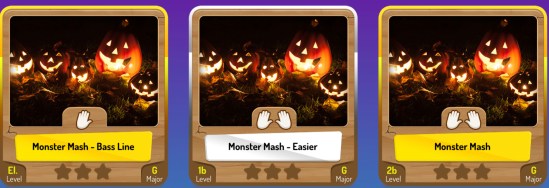
The Monster Mash by Bobby “Boris” Pickett is in Piano Maestro with 3 different levels to play. The song was released as a single in August 1962 along with a full-length LP (record) called The Original Monster Mash, which contained several other monster-themed tunes. The “Monster Mash” single was #1 on the Billboard Hot 100 chart on October 20–27 of that year, just before Halloween. It has been a perennial Halloween favorite ever since.
Singing pumpkins
From Disney
From a contest winner
No lessons today due to the snowy weather.
Keep practicing!
Those using Piano Maestro may find a new assignment for today 🙂
No lessons today due to the snowy weather.
Keep practicing!
Those using Piano Maestro may find a new assignment for today 🙂
No lessons today due to the snowy weather.
Keep practicing!
Those using Piano Maestro may find a new assignment for today 🙂
No lessons today due to the snowy weather.
Keep practicing!
Those using Piano Maestro may find a new assignment for today 🙂

They’ve listened to your amazing feedback and have added your most requested songs, squashed tons of bugs and added iOS 17 compatibility.
You asked, and they listened and added a sparkling collection of most requested songs in 2023 for your students to enjoy “Barbie Girl” from the new ‘Barbie movie, “Circle of Life” from ‘The Lion King’, “He’s a Pirate” from ‘Pirates of the Caribbean’ and “Rainbow Connection” from ‘The Muppet Movie’.
Available in 3 versions, all new songs can be found in the ‘Top 2023 Requests’ section in the song library.
It will be fun watching your child improve their piano skills all while having fun using Piano Maestro in lessons each week!
As your child’s teacher (or YOUR teacher!), I’m looking forward to seeing the progress they will make when they start using it at home each day. This guide will help you understand how this app will benefit your child and how to get it set up on your own iPad.
Overview
What is Piano Maestro?
Piano Maestro is the ultimate piano practice tool that will have students quickly playing their favorite classical, pop, rock, TV and video game songs and themes. It is available in the App Store and works on the iPad.
What skills does it improve?
• Note reading
• Sight reading
• Rhythm
• Inner pulse
• Confidence
What makes it so fun?
• Upbeat background tracks
• Stunning graphics
• Instant rewards and feedback
• Satisfaction of playing REAL music
It works with an acoustic piano?
Yes! Your child practices on your real acoustic or digital piano. Piano Maestro listens from the iPad’s built-in microphone. No wires needed.
I’m already paying for lessons. What value does this add?
Sometimes I wish I could be there with your child to encourage them to keep practicing daily. I’m sure it’s not always easy, as unforeseen challenges will arise.
Since our time each week is just too short, this app will give me eyes on the ground and it will keep them practicing longer and improving more quickly.
How will it be used in lessons?
I will spend a few minutes of each lesson helping your child master a couple of new songs all while having fun! I will also teach them how to use the practice options at home.
At the end of the lesson, we will choose Home Challenge assignments within the app that will show up in your account at home. I’ll get updates when progress is made.
Getting Started
Wow, this sounds awesome. Now, how do I get started?
1) Download Piano Maestro on your iPad from the AppStore
2) Create a JoyTunes account with a parent’s email, under which, you can have multiple profiles for each member of the family.
3) Create a profile for each family member (that means you too Mom and Dad!) inside the Parent/Teacher zone (top right-hand corner of the main screen)
4) Connect to your teacher, me! After creating a profile in the “profiles” tab of the parent/teacher zone, select the student’s profile and click “connect to teacher.” Once I approve the connection to your child, they will receive full access to all content for FREE! I will then also begin receiving weekly progress reports.
5) Start Playing – I will now start assigning you homework, meanwhile, get started on Journey Mode.
When you connect to the O’Connor Music Studio, Piano Maestro is free for as long as you study here.

