Celebrate the Chinese New Year with New Songs

ChineseNewYear


In honor of the Chinese New Year, which begins Thursday, February 19th, JoyTunes is releasing a new category of songs to celebrate! The tunes included in this category are traditional Chinese songs that are fun to learn and play.

In addition, we are excited to be participating in the App Store Chinese New Year promotion! AppStore.com/CNY

http://youtu.be/EwRtF6om42w

About the Chinese New Year

Also known as the Spring Festival and celebrated for 15 days, the Chinese New Year occurs separately from the western celebrated New Year date as the Chinese follow a different calendar. Many of the celebrations come from ancient Chinese traditions which were set forth to honor deities and family ancestors. Although the biggest celebrations occur in China and other countries with a significant Chinese population, many major cities around the world hold festivals with some of the largest being in San Francisco, New York and London.

Celebrating the New Year

As the New Year approaches, families take great care to clean their houses as it is a way to “sweep” away any bad luck and misfortune. When the celebrations begin, families open the doors and windows of the home in order to let in good luck and fortune. You will also see red paper-cuts and lanterns hanging in doors and windows.

3835142_99e425f0

According to an ancient legend, a mythical beast called Nian would come to a Chinese village on New Year’s Day and eat animals, crops, and sometimes even children. One day a god visited a villager and told him to put red paper and firecrackers in from of each home as Nian was afraid of both. This began the tradition of placing red lanterns and other paper objects in the windows of homes. Nian was frightened away and never returned to harm the village.

The Year of the Goat

Chinese New Year, Year of the goat

2015 is the year of the goat and your Chinese zodiac sign if you were born in 1919, 1931, 1943, 1955, 1967, 1979, 1991, 2003 or 2015. So, what should you know if you are a goat sign? Your lucky numbers are 2, 7 and any number containing a 2 or 7. The 7th and 30th are your lucky days of each month and your lucky colors are brown, red and purple. Many good things will happen for those born under the goat sign!

Piano Maestro: Two New FREE Valentine’s Songs!

valentine-joytunes


Students will enjoy learning to play smash hit “Sugar” by Maroon 5 and “Dancing Cheek to Cheek” by Fred Astaire just in time for Valentine’s Day!

Each song has multiple versions for all skill levels.

Check out these new songs in the Pop & Rock category in the Library.

Students in the O’Connor Music Studio have free access to Piano Maestro for as long as they are students here.

November Webinar Follow-up

All kinds of tips and info for Piano Maestro and iPad in general. Keep this handy!

88pianokeys's avatar88pianokeys

image

Sharing the Joy of JoyTunes

The Pedagogy Behind the Maestro

Thanks for joining us!

A HUGE word of thanks to the following teachers for providing

inspiring and resourceful maestromonials on behalf of Piano Maestro...

Jeannine Zwiebel, Susan Bagot, Debbie Wiser, Susan Paradis, Jennifer Foxx,

Lorie Burningham, Becki Laurent

View original post 352 more words

Piano Maestro: Vivaldi’s Spring

vivaldi

Vivaldi, one of the greatest baroque composers, has a very interesting story. He ran an orphanage in the 18th century in Italy that became famous all over the western world for its musically talented children. A lot of his pieces were written for specific children in his school. Vivaldi learned the violin from his father, and was trained as a priest. He was nicknamed “the red priest” for his red hair and was apparently somewhat sure of himself, having claimed once he can compose a concerto faster than it can be copied.

Vivaldi wrote over 500 pieces, most of which are lost today. He is considered one of the greatest musical landmarks in history, having inspired many composers that followed him, including J.S.Bach and others.

Other fun facts about Vivaldi can be found here.

Vivaldi’s Spring is available on Piano Maestro, which is available to my students free of charge.

Piano Maestro A Parent’s Guide

Piano Mania


It will be fun watching your child improve their piano skills all while having fun using Piano Maestro in lessons each week!

As your child’s teacher (or YOUR teacher!), I’m looking forward to seeing the progress they will make when they start using it at home each day. This guide will help you understand how this app will benefit your child and how to get it set up on your own iPad.


Overview
What is Piano Maestro?

Piano Maestro is the ultimate piano practice tool that will have students quickly playing their favorite classical, pop, rock, TV and video game songs and themes. It is available in the App Store and works on the iPad.


What skills does it improve?
• Note reading
• Sight reading
• Rhythm
• Inner pulse
• Confidence


What makes it so fun?
• Upbeat background tracks
• Stunning graphics
• Instant rewards and feed back
• Satisfaction of playing REAL music


It works with an acoustic piano?

Yes! Your child practices on your real acoustic or digital piano. Piano Maestro listens from the iPad’s built in microphone. No wires needed.


I’m already paying for lessons and books. What value does this add?

Sometimes I wish I could be there with your child to encourage them to keep practicing daily. I’m sure it’s not always easy, as unforeseen challenges will arise.

Since our time each week is just too short, this app will give me eyes on the ground and it will keep them practicing longer and improving more quickly.


How will it be used in lessons?

I will spend a few minutes of each lesson helping your child master a couple of new songs all while having fun! I will also teach them how to use the practice options at home.

At the end of the lesson, we will choose Home Challenge assignments within the app that will show up in your account at home. I’ll get updates when progress is made.

http://youtu.be/3WFg-lvJZu0


Getting Started
Wow, this sounds awesome. Now, how do I get started?

1) Download Piano Maestro on your iPad from the AppStore
2) Create a JoyTunes account with a parent’s email, under which, you can have multiple profiles for each member of the family.
3) Create a profile for each family member (that means you too Mom and Dad!) inside the Parent/Teacher zone (top right hand corner of main screen)
4) Connect to your teacher, me! After creating a profile in the “profiles” tab of the parent/teacher zone, select the student’s profile and click “connect to teacher.” Once I approve connection to your child, they will receive full access to all content for FREE! I will then also begin receiving weekly progress reports.
5) Start Playing – I will now start assigning you homework, meanwhile get started on Journey Mode.


There is one change in the video below – when you connect to the O’Connor Music Studio, Piano Maestro is free forever.

http://youtu.be/iMMZVk0u0K4

The Studio Painting is Done!

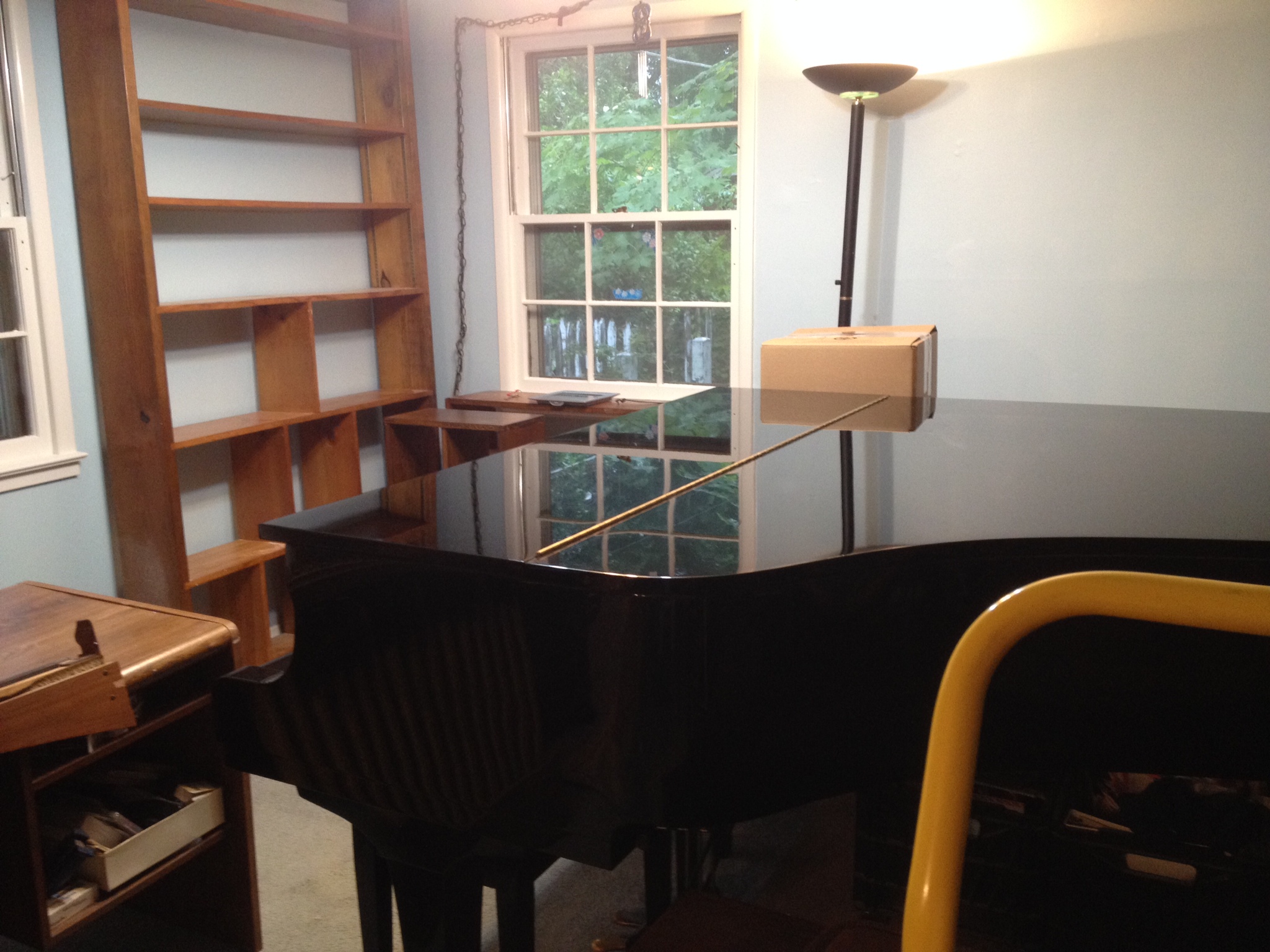
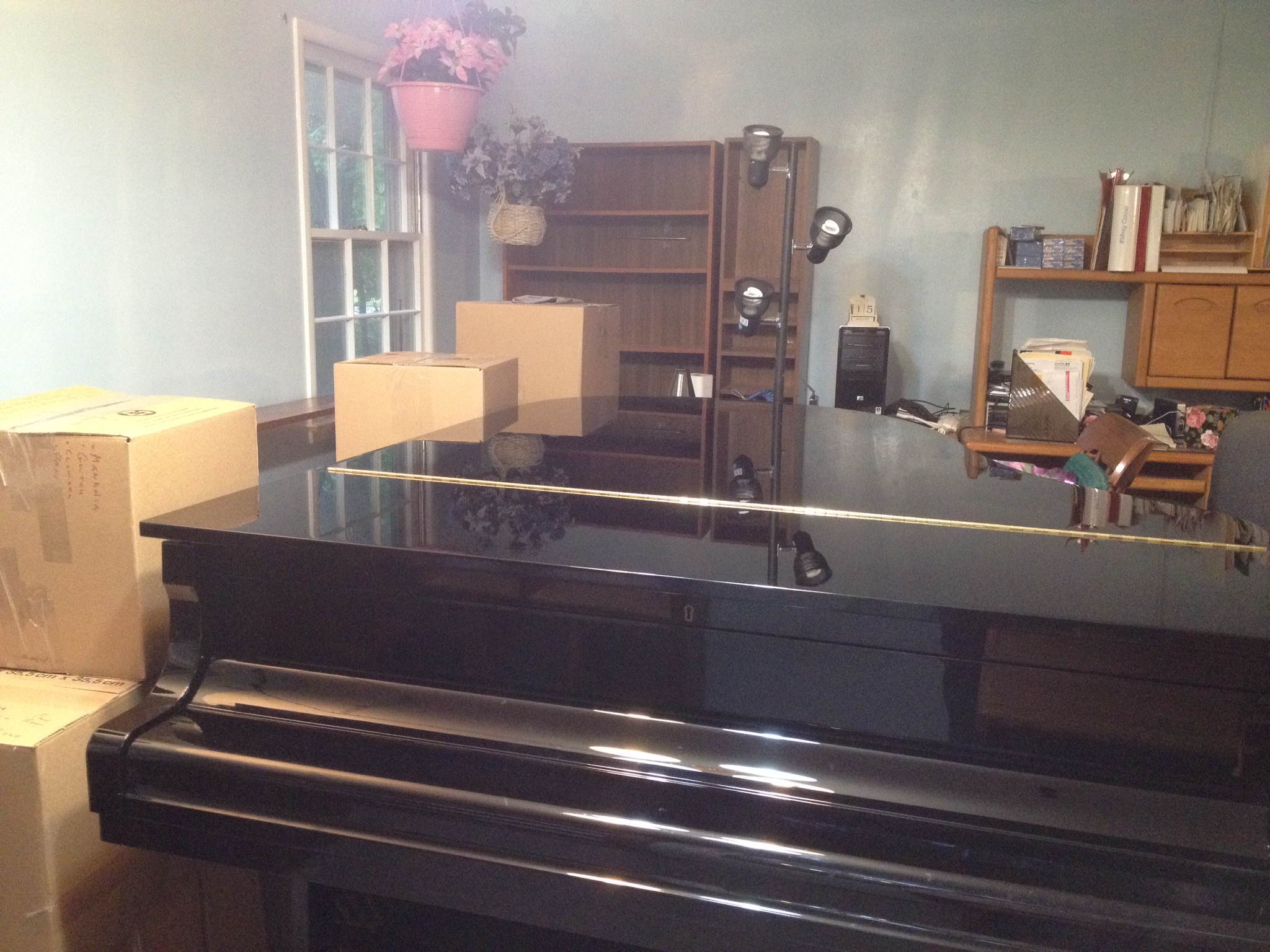
photo 1photo 2


Now, it’s time to start putting the furniture back where it goes, although I think I’m leaving the piano more in the center of the room for now.  It shows the piano off better and I’ll have a place to put the digital keyboard against the wall and closer to the piano.

After a lot of thought, the organs will stay in their respective places next to each other but the music for them will be moving nearer to them.

Then putting all the other books away.  I have an iPad app which is a database that adds items by taking pictures of their barcodes.  Hopefully, this will help organize some of my books.

It won’t be done by Monday but it will be done enough for teaching purposes!


Piano Maestro

Piano Mania

NOTE:  This app has been renamed to Piano Maestro.

The O’Connor Music Studio has a copy of this app if you (or your student) would like to try it during a lesson.

I see great potential with this app and think it could be useful for you at home.

It’s a fun game that can be used with a piano, the iPad or it can be hooked up to an electric keyboard

http://youtu.be/eo6bUNm4TGY

Read a review at Piano Mania Review » 148Apps » iPhone, iPad, and iPod touch App Reviews and News.